
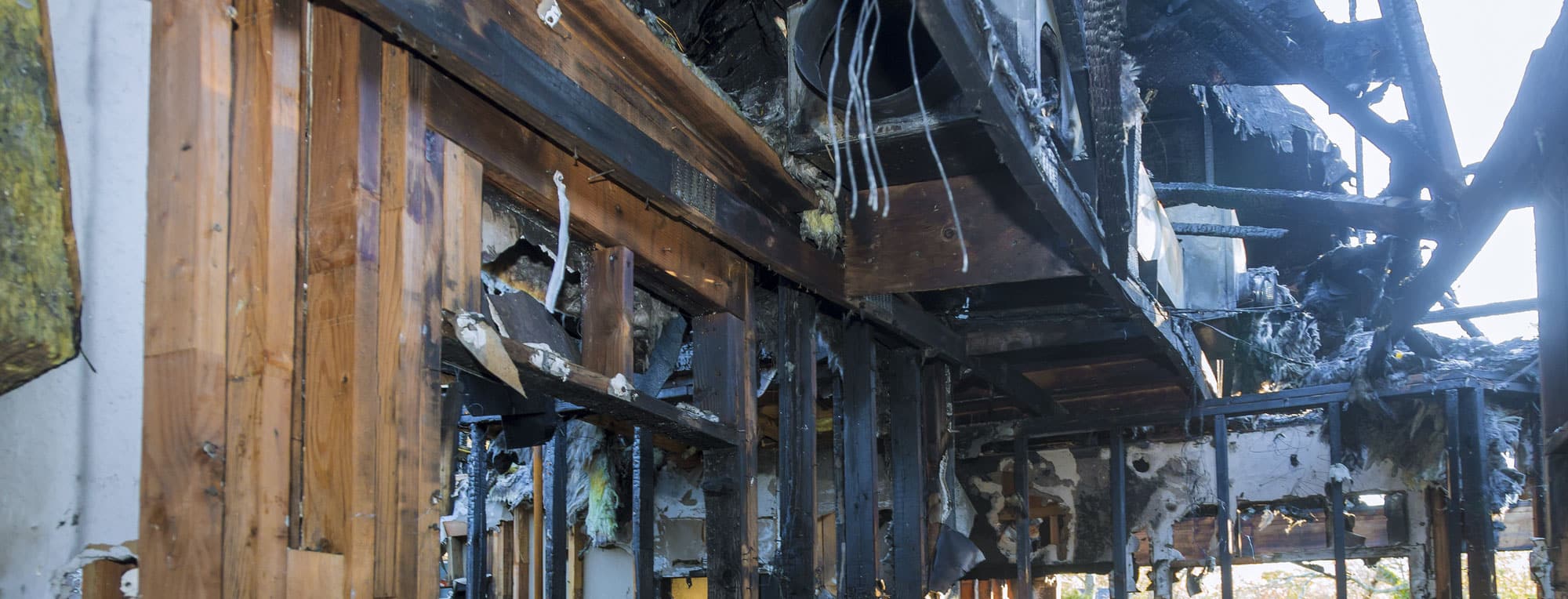
Guide to Rebuilding After a Fire: Record Research for Property Owners
Rebuilding with Confidence and Care
At Ilya Engineering, we understand how difficult and emotional the recovery process can be after a fire. Rebuilding your life and your home may feel overwhelming. That’s why we’re here — to offer clear guidance and practical resources that help you move forward with confidence.
As experts in civil engineering, land surveying, and land planning, our mission is to support our community in rebuilding safely, efficiently, and in full compliance with local regulations.
Why Is Record Research Important?
Many local municipalities allow fire-damaged property owners to rebuild “like for like plus 10%.” This means you are permitted to reconstruct your home as it was before, with a possible 10% increase in square footage.
However, it is your responsibility to prove what was legally permitted on your property before the fire. This proof is established through permit record research, which involves gathering documents such as historical building permits, approved plans, and other relevant records.
Below is a step-by-step guide to help you find these records through various government agencies.
Step-by-Step Record Research Guide
Step 1: Determine Your Property's Municipality
Before requesting records, you need to confirm which local agency has jurisdiction over your property. You will also need to locate your Assessor Parcel Number (APN).
Use the following tools to identify your property and its APN:
- Malibu GIS: View Map
- City of Los Angeles ZIMAS: Search ZIMAS
- LA County GIS: Search LA County Map
Make sure to record your APN before moving forward.
Step 2: Request Tax Assessor Records
The Los Angeles County Assessor’s Office provides records that include property square footage and other important data.
To request public records:
- Visit the LA County Assessor’s official request page:
https://assessor.lacounty.gov/contact/publicrecord - Fill out the form with your property details
- Attach a copy of your driver's license for verification
Step 3: Search for Existing Public Records Online
Many local governments provide access to digitized records. These are often the fastest way to check existing permits, plans, or history for your property.
Los Angeles County
- Visit: LA County Permit Viewer
- Search by address or APN
- Use the “Scanned Documents” and “Permit History” tabs to view available files
City of Los Angeles
- Visit: LADBS Document Search
- Enter the property address or APN
- Permits with digital images may include full plan sets
City of Malibu
- Use the OnBase Records Search system
- In the dropdown menu, select “ESD – Geology Files”
- Enter your street number and name
- View Malibu OnBase Search Instructions
Step 4: Submit Requests for Physical Records
If digital files are incomplete or unavailable, you can formally request hard copy records. Use the contact details below based on your property’s location.
Los Angeles County
Request records from both departments:
Public Works Department
- Email: DPWPRRS@dpw.lacounty.gov
- Phone: (626) 458-6990
Planning Department
- Email: PRA@planning.lacounty.gov
- Phone: (213) 974-6533
In your request:
- Use subject line: “Public Records Act Request”
- Include the property address, a description of requested documents (e.g., “All Building Permits and Plans”), and your contact information
City of Los Angeles
Building and Safety Department
- Email: ladbs.custodianofrecords@lacity.org
- Use subject line: “Public Records Act Request”
- Include the property address and specific documents requested
City of Malibu
- Submit a request via Malibu’s online portal
- Or complete the Public Records Request Form and deliver it to City Hall during business hours
Step 5: Request Records from the California Coastal Commission (If Located in the Coastal Zone)
If your property is within the California Coastal Zone, additional building records may be available through the California Coastal Commission.
For City of Los Angeles Properties
- Email: PRA@coastal.ca.gov
- Include the APN, current or previous owner's name, and full address
- Available records may date back to 1972
- Office Location: 301 E Ocean Blvd, Suite 300, Long Beach, CA 90802
- Phone: (562) 590-5071
For Malibu and LA County Properties
- Email: Julie.Reveles@coastal.ca.gov or diana.gonzalez@coastal.ca.gov
- Include the APN, owner’s name, and full property address
- Records may go back to 1977
- Office Location: 89 South California Street, Ventura, CA
- Phone: (805) 585-1800
Step 6: Request CC&Rs (If Applicable)
If your property is located within a homeowners association (HOA), you may need to obtain a copy of the Covenants, Conditions, and Restrictions (CC&Rs).
Options for obtaining CC&Rs:
- Request directly from your HOA management company
- Order a Preliminary Title Report from a title company, which typically includes CC&R documents
Ready to Rebuild? Let Ilya Engineering Help You Move Forward
Each step in this process brings you closer to recovery. At Ilya Engineering, we’re here to help make your rebuilding journey easier, with expert support in engineering, surveying, and planning.
Our team is ready to assist you in navigating these steps, ensuring your rebuilding efforts meet all local guidelines and requirements. Contact us today if you need help with permitting, land analysis, or site planning.